
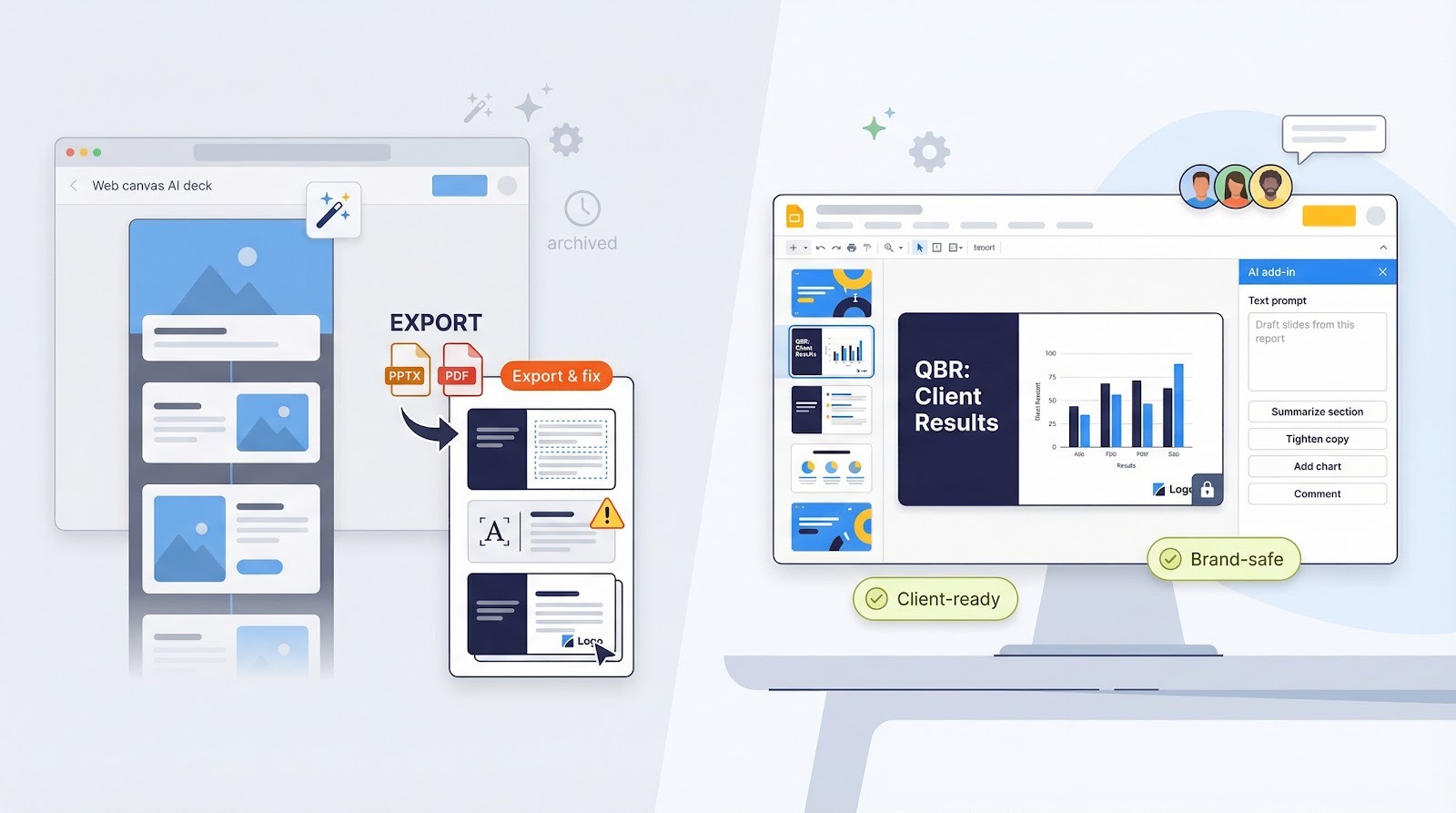

AI can speed up presentation work, but speed is only useful when it supports a clear decision. Whether you are preparing a sales pitch, project update, training session, or executive briefing, an AI PowerPoint tool can help organize ideas and create an early draft. The strongest deck still begins with human judgment about the audience, the evidence, and the action you want people to take.
A polished set of slides is not automatically useful. Clear presentation decks help people understand a problem, compare options, and move forward with confidence. That means reducing unnecessary detail, making important evidence easy to find, and giving every slide a job to do.
Why Clear Decks Matter More
Many presentations are viewed in more than one setting: live meetings, shared files, video calls, and small screens. A clear structure helps the audience follow the speaker in real time and still understand the deck later without narration. Simple layouts also reduce the effort required to locate the main point.
Start With The Purpose, Not The Slides
Opening a slide editor before defining the goal often creates clutter. Start by deciding what the audience needs to know, believe, or do. For example, a sales manager may turn a broad quarterly report into a focused discussion of one revenue risk and three practical responses.
Questions To Answer First
- Who is the audience, and what do they already know?
- What problem or decision does the deck address?
- What evidence is essential?
- What should happen after the presentation?
Build One Strong Message
A deck does not need to explain everything about a subject. It needs to guide the audience to a single useful conclusion. Write the core message in one sentence before drafting slide titles, then remove slides that do not support it.
A Simple Message Formula
Situation + Insight + Action
- Situation: What is happening now?
- Insight: What does the evidence reveal?
- Action: What should the audience do next?
Use AI As A Thinking Partner
AI is useful for brainstorming structures, grouping notes, shortening dense language, and anticipating audience questions. It should not be treated as the final authority on facts, priorities, or sensitive business context. The NIST AI Risk Management Framework emphasizes reliability, transparency, and human oversight as key considerations for organizations using AI-enabled systems.
Useful Tasks For AI
- Suggest several ways to organize a presentation.
- Turn meeting notes into possible sections.
- Rewrite long sentences in plain language.
- Identify repeated points or missing transitions.
Turn Raw Data Into A Simple Story
Spreadsheets and dashboards can contain far more detail than a presentation needs. Begin with the question the data must answer, select only the evidence that supports that question, and choose a chart that makes the comparison understandable. A takeaway title such as “Customer churn rose after the pricing change” is more useful than “Monthly Churn Rate.”
A Practical Data Story Process
- State the question.
- Remove figures that do not answer it.
- Highlight the trend or number that matters most.
- Add the source, date range, and any important limitation.
Design For Fast Reading
Good slide design creates a clear path for the eye. Use one main idea per slide, specific headings, generous spacing, and a limited set of colors and type styles. Strong contrast is especially important for readability, and the WCAG contrast guidance provides a useful benchmark when selecting text and background colors.
- Replace long paragraphs with short phrases, diagrams, or charts.
- Label charts directly when possible.
- Use visual emphasis to show priority.
- Do not add decorative elements that compete with the message.
Check Facts, Sources And Context
Fact-checking is a required stage, not a last-minute polish. Trace important statistics to their original source, confirm the publication date and measurement period, and make sure percentages use the correct denominator. Separate confirmed facts from forecasts, assumptions, and opinions. Record major sources in speaker notes or on a final reference slide.
Keep Human Judgment In The Workflow
Human review protects against confusing wording, weak evidence, poor timing, and inappropriate tone. Review the deck from three viewpoints: the presenter, who must explain it naturally; the audience, who should understand the point quickly; and the decision-maker, who needs enough evidence to act. A reviewer outside the project can often spot jargon and hidden assumptions.
Use A Practical Deck Review Checklist
- Does the opening explain why the topic matters?
- Does every slide support the central message?
- Are charts readable and clearly labeled?
- Are major claims supported by reliable evidence?
- Is the conclusion tied to a clear next step?
- Does the deck make sense when shared without narration?
Before presenting, rehearse with a timer. Mark slides that require too much explanation, then simplify the wording, split the idea, or move background detail into notes.
Common Questions About AI-Assisted Presentations
Can AI Create A Complete Presentation?
AI can produce a useful first draft, but the final deck needs human direction, editing, fact-checking, and visual review.
How Much Text Should A Slide Include?
Live presentations usually need less text than self-guided reports. In either format, the key message should be easy to identify quickly.
Should Every Slide Use A Chart Or Image?
No. Use a visual only when it improves understanding. A direct written statement can be stronger than a decorative graphic.
What Is The Biggest Mistake To Avoid?
Do not mistake fast production for success. A deck succeeds when people understand the issue, trust the evidence, and know what to do next.
